How Selvora works
No jargon and no training. This explains the same things we usually cover in a meeting: what the system is made of, what to do on day one and where to look once everything is running.
Two apps, that's it
Don't be put off by the number of buttons. Everything splits in two: one app sells at the location, the other shows you the result. Everything between them syncs by itself.
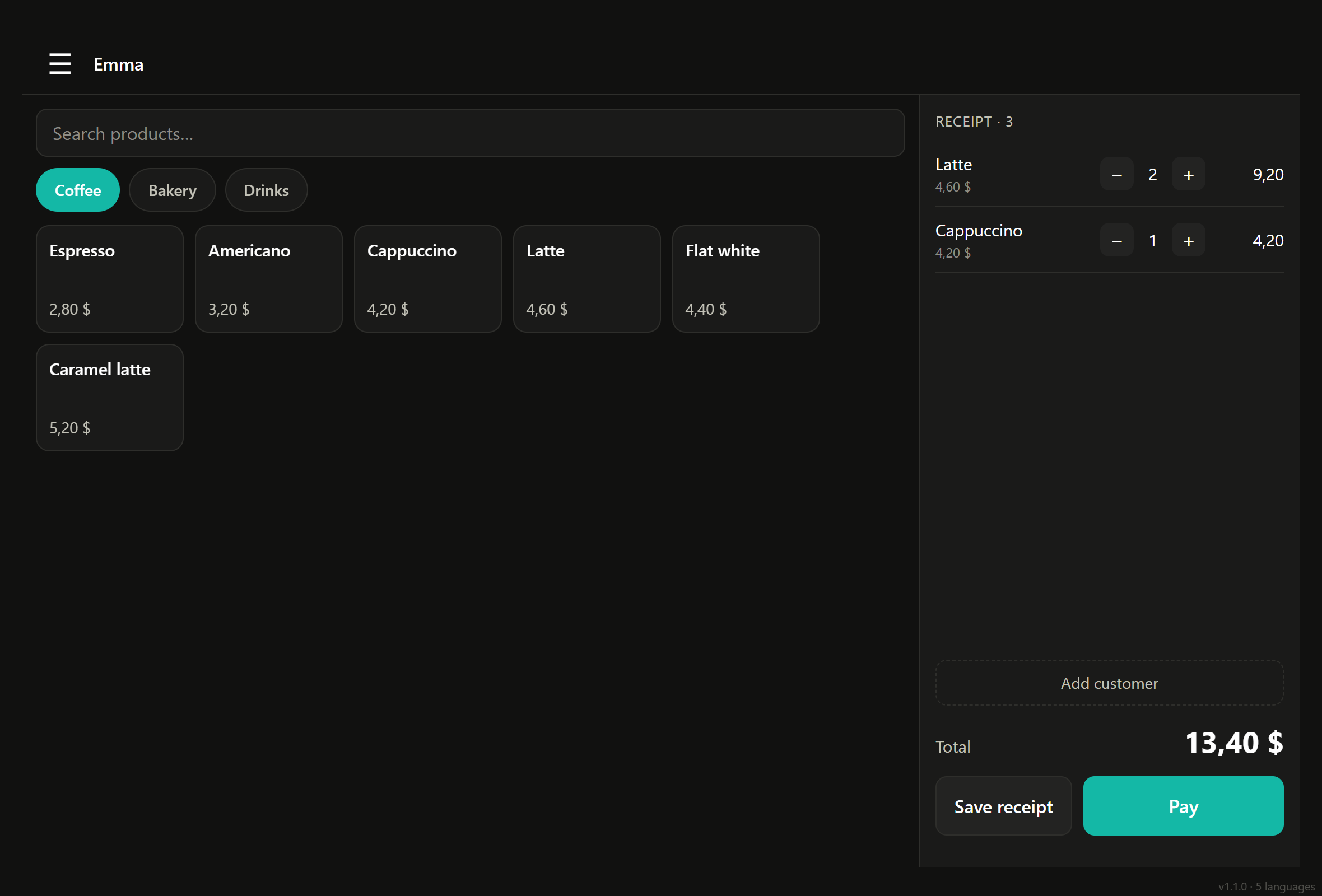
🧮 POS
- Rings up orders
- Prints the receipt for the guest
- Opens and closes the shift
- Works even without internet
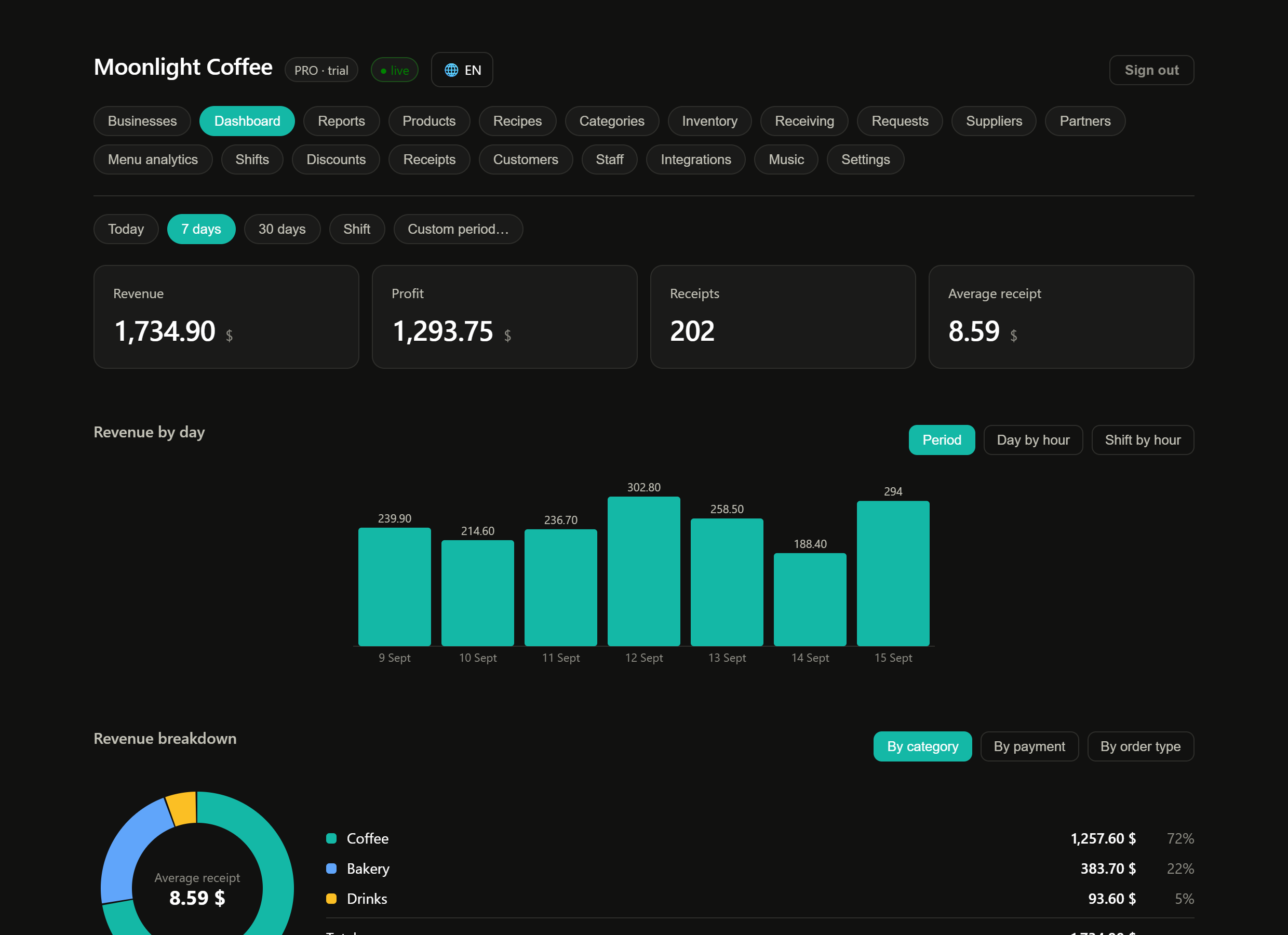
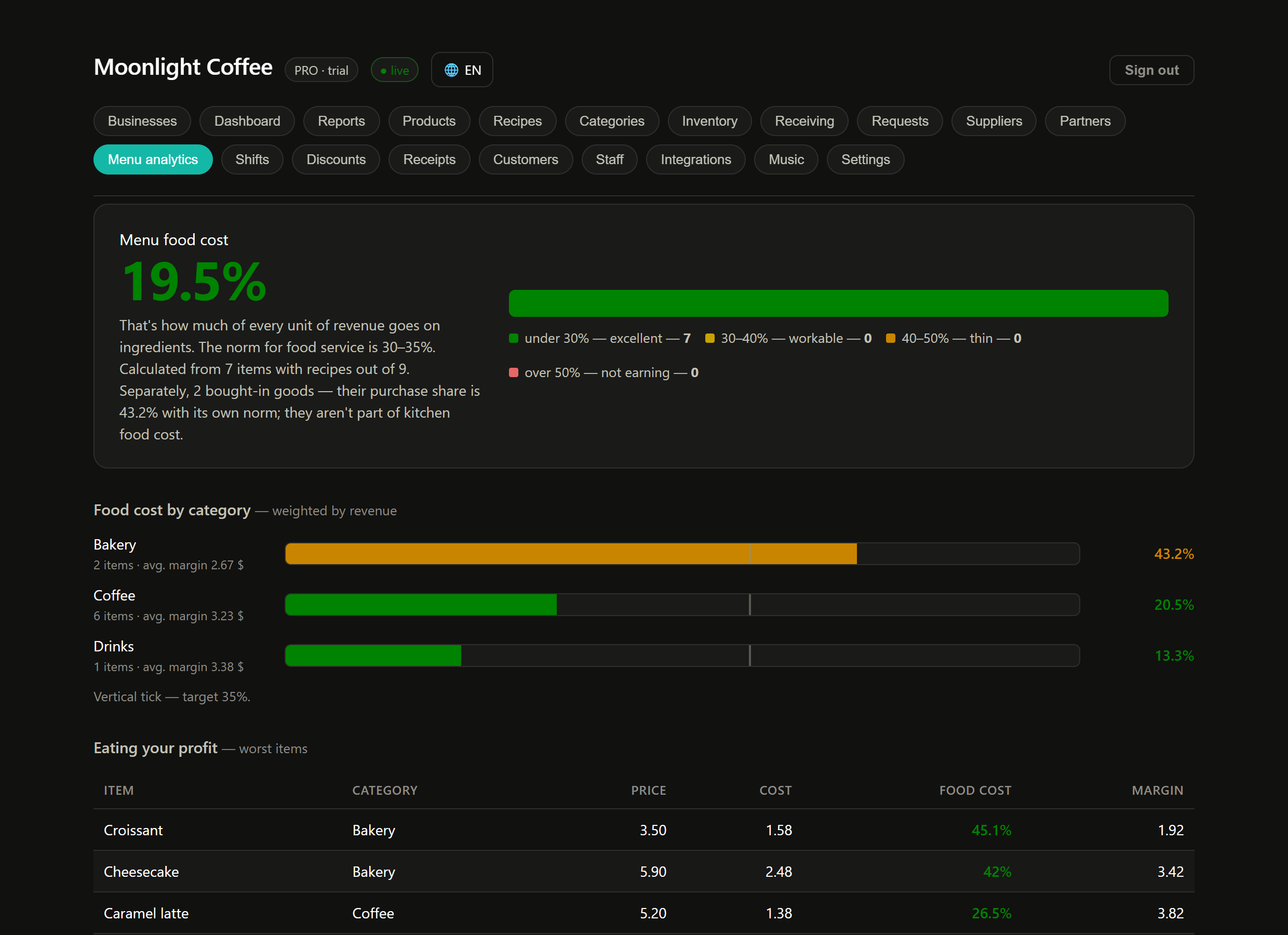
📊 Dashboard
- Shows revenue and profit
- Keeps the menu, stock and prices
- Calculates costs
- Asks you when a decision is needed
The first 30 minutes from scratch
The order matters. Each step builds on the previous one — skip one and the numbers won't add up.
- Sign up and create your location. Name, city, currency, business type. Pick the type from the list — it decides which sections you'll see.
- Upload your menu. By hand or from a file exported from your old system. You don't need everything at once — start with what sells every day.
- Add products to stock and set purchase prices. You can enter a whole pack: "milk 2.5 l — 170 MDL".
- Build recipe cards at least for the main items: what one portion is made of. This is what everything else is calculated for.
- Add staff and give each person their own PIN.
- Open the POS at the location, log in with a PIN and sell something. A second later the sale shows up in the dashboard.
Both apps in action
Read on
Reset the money with one button — from the dashboard
While you try the system, test receipts, shifts and points pile up at the location. Before the real launch, all of that is wiped from the dashboard — remotely, no need to go to the POS or reinstall it.
🧹 What "Clear operation history" does
Where to find it in the dashboard: Settings → Data → Danger zone. Only the owner has this button — staff don't.
- Orders and receipts
- Payments and refunds
- Shifts and Z-reports
- Cash movements: pay-ins and pay-outs
- History of points earned and spent
The short answers to what everyone asks
The internet is down — will the location stop?
No. The POS keeps selling and stores receipts locally. When the connection is back, they reach the dashboard by themselves — nothing to press.
Do I need to buy hardware?
No. The POS runs on an ordinary Android tablet or phone, the dashboard in a browser or as an app. A receipt printer can be connected if you need one.
I have several locations
They live in one account. You switch between them in the dashboard header, and reports can be viewed per location or for all at once.
What about fiscal receipts and tax?
The fiscal receipt is issued by the government app — that's what the law requires. Selvora keeps your records: sales, stock, costs, loyalty.
Will my data stay mine?
Yes. Everything you entered can be exported to a file from Settings at any time.