Your business's card — on the guest's phone
Paper stamp cards get lost, plastic ones get left at home, and nobody installs an app from the store for one coffee shop. So the Selvora card opens from a link and is added to the phone with one button — like an app, but with nothing to download.
💳 What it is exactly
A separate guest page that holds their cards. The business issues it at the POS, the guest points the camera at the QR — and the card stays with them for good. Nothing is installed from Google Play or the App Store.
📷 How a guest gets it
- The cashier prints the receipt — it has the card's QR. Or shows the QR right on the POS screen.
- The guest points the phone camera and opens the link.
- Taps "Install app" — the card appears as an icon on the phone's home screen.
⭐ Points instead of a discount card
The guest sees how much they've collected and how many times they've visited. Points are spent at the POS — the guest just says they want to pay with them.
- Points on the card and a clear rate: 1 point = 1 MDL.
- Visits — how many times they've been to you.
- The business's menu — the same as on the POS, with current prices.
🍽 Menu and ordering from the phone
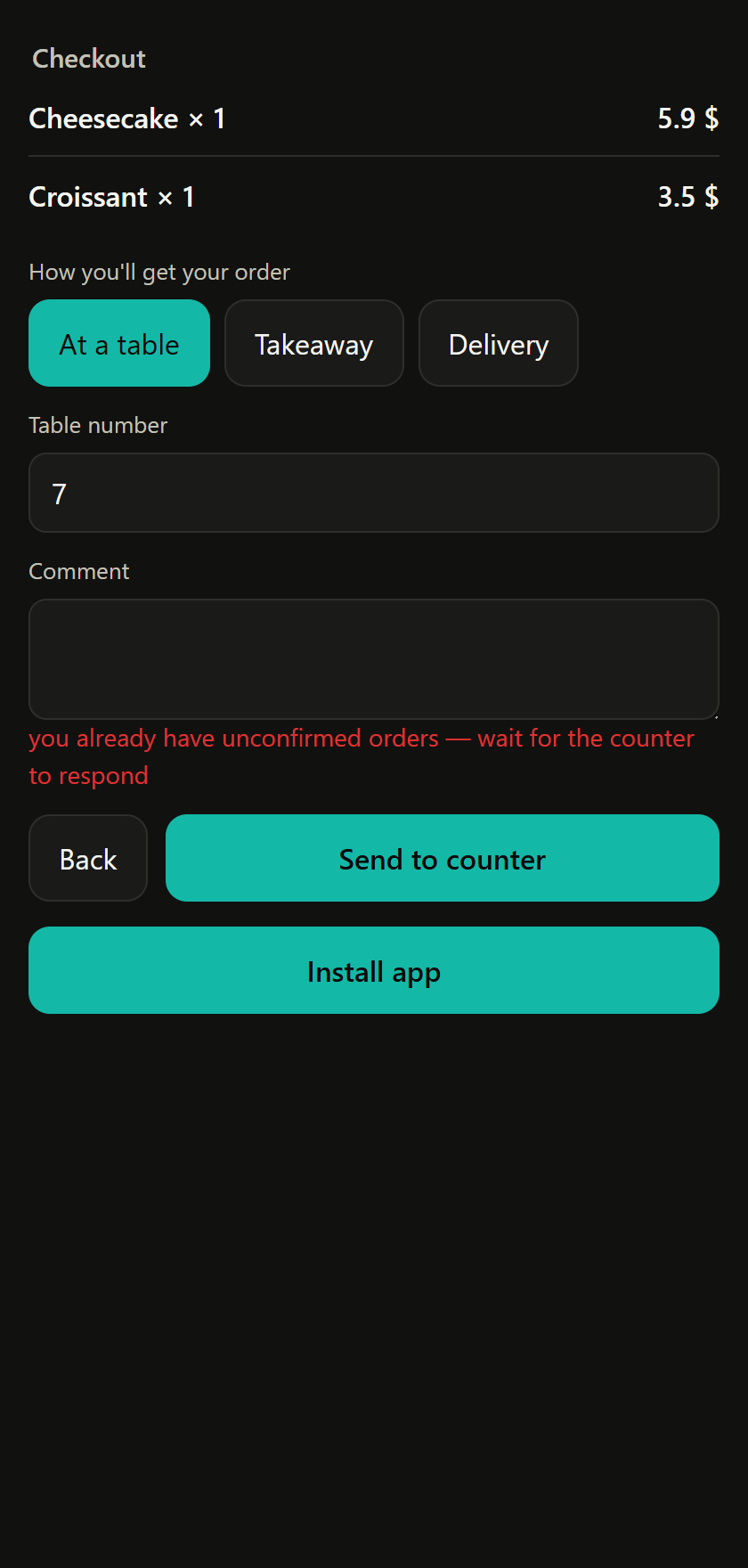
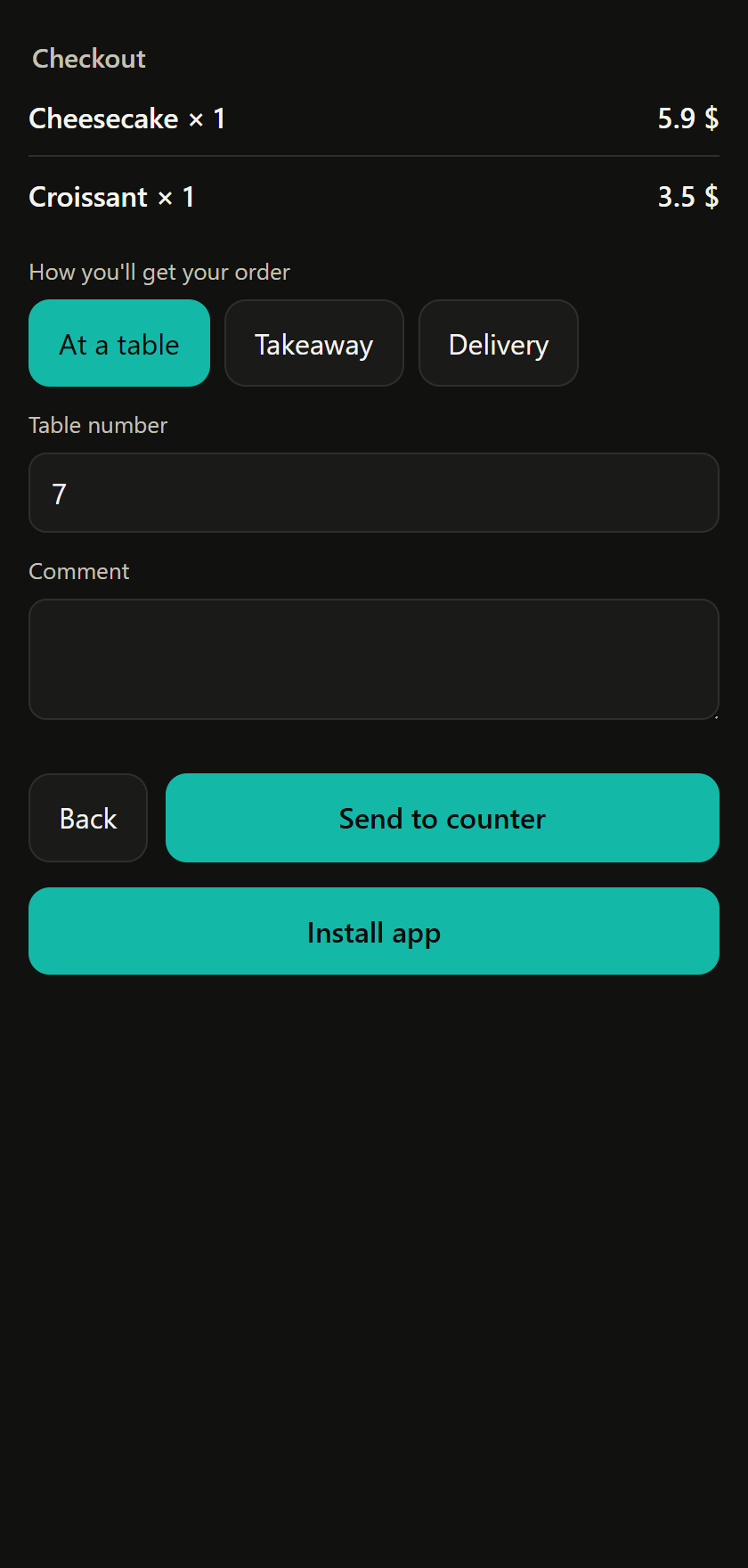
The card holds your current menu — the same as on the POS, with prices and ingredients. The guest can put together an order and send it to the POS without getting up from the table or standing in line.
- At the table — brought to them.
- Takeaway — they can say what time they'll pick it up.
- Delivery — if you deliver.
📅 Booking
For businesses people book: barbershops, car washes, nail salons, service shops. The guest books from the card themselves and gets a reminder before the visit — no calling and double-checking.
- "Book" — choose a service and a time.
- "My bookings" — what they've booked and when.
🗂 Several businesses in one wallet
One card isn't the limit. The guest adds a second one from the QR at another business's POS, and they sit side by side: coffee shop, barbershop, car wash. They switch between them in one list.
📊 What the owner gets
- Guests come back more often — it's a shame to abandon points they've collected.
- You have a database: phone, visit frequency and average receipt for every guest — in the "Customers" section.
- You can see who's gone quiet. Came every week and hasn't shown up for a month — a reason to get in touch.
- Shorter queues: some orders the guest puts together themselves on the way to you.
- Zero spending on plastic and printing cards.